My 9 Animes
The worlds you escaped to. The stories you carry with you.
Choose the nine anime that define you. Create your 3×3 and share it.
Your nine. Your story. / THE ANIME ARCHIVE
How it works ↗Every list tells a story.
Anime worth coming back to.
How do I create my anime grid?
Search for your favorite anime, arrange your nine, then download or share your grid. No sign-up needed.
-
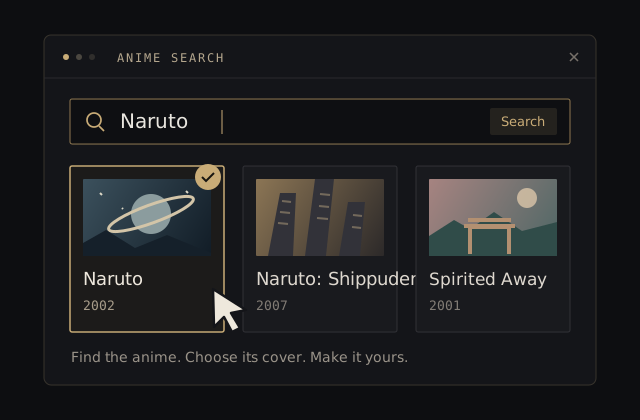 01 / FIND YOUR ANIME
Find your favorites.
Click a grid spot or Search anime. Enter a title, press Enter or click Search, and select a result. You can also add a title and upload a cover you have permission to use.
-
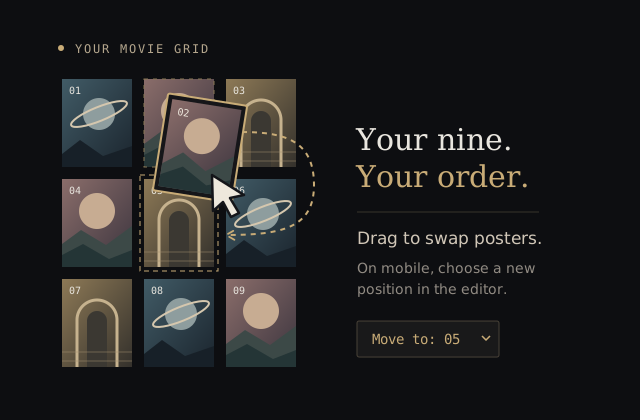 02 / MAKE IT YOURS
Your nine. Your order.
Drag posters to swap them. On mobile, touch and hold a poster, then drag it to another spot, or use the position selector in the editor. With a keyboard, use Space and the arrow keys. Add your name, a collection title, and notes to make it personal.
-
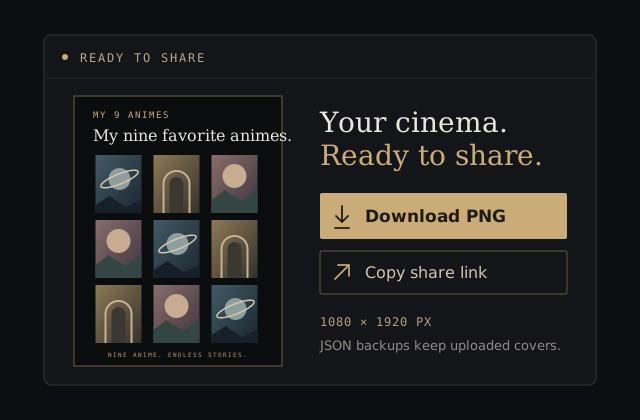 03 / SHARE YOUR STORY
One frame. All you.
Choose Create my poster for a 1080 × 1920 portrait PNG, switch to a 3840 × 2160 desktop wallpaper, or copy a share link. Export a JSON backup to keep uploaded covers; share links include online cover URLs, but leave uploads out.
How can I save or share my anime grid?
Download a PNG for an image, copy a link for an editable collection, or export JSON to back up your collection and uploaded covers.
| Format | Best for | What to know |
|---|---|---|
| PNG image | Sharing a poster or creating a desktop wallpaper | Portrait: 1080 × 1920 pixels (default). Landscape: 3840 × 2160 pixels (16:9). Anime covers stay in 2:3 portrait frames. Includes available covers and uploads; missing or failed covers use title cards. |
| Share link | Opening a collection in another browser | Includes anime selections, collection title, name, notes, theme, and online cover URLs. Uploaded covers are excluded; anyone with the link can read its contents. |
| JSON backup | Keeping or moving your collection | Includes the collection and uploaded covers. Use Import collection to restore the backup. |
Where do anime covers come from?
Search is powered by TMDB. Find anime by English or Japanese title and choose its cover for your grid.
Anime data and cover images come from TMDB. Artwork belongs to its respective owners. My 9 Animes is an independent fan tool and is not affiliated with TMDB.
Read more about data sources and image rights.
FAQ about My 9 Animes
My 9 Animes is a free my 9 anime maker: collect the nine stories that shaped you, save a poster, and start a conversation.
What is My 9 Animes?
My 9 Animes is a free tool for turning nine favorite anime into a personal 3×3 anime grid. Search by anime name, choose a poster, arrange your picks, and download or share the result.
How do I find an anime and its poster?
Search by title and press Enter or click Search to see matching anime and release years. Open search from any spot in the grid or choose Search anime. Available covers appear in the results; missing images use title cards. Select a result to add it. You can also add a title and upload a custom cover.
Can I reorder my nine anime?
Drag two posters to swap them on desktop. With a keyboard, press Space to pick up a poster, use the arrow keys to move, and press Space to finish. On mobile, touch and hold a poster, then drag it onto another poster to swap them. You can also tap a poster and change its position in the editor.
Where is my collection saved?
Your collection saves automatically in this browser. Export a JSON backup to keep uploaded posters or move your collection to another device. No account is needed. Read the privacy notice for search caching, analytics, advertising, and sharing details.
How do I download or share my anime grid?
Choose Create my poster to preview the default 1080 × 1920 portrait poster. Select Landscape for a 3840 × 2160 desktop wallpaper with the same portrait anime covers, then download the PNG. You can also copy a share link. Downloads include available online covers and your uploaded images; missing images use title cards. The link includes your anime selections, name, notes, and online cover URLs. Custom uploads travel with your JSON backup.